How to Export Arabic Text to PDF and Word — Free Guide 2026

Preserve Right-to-Left formatting when saving your documents.
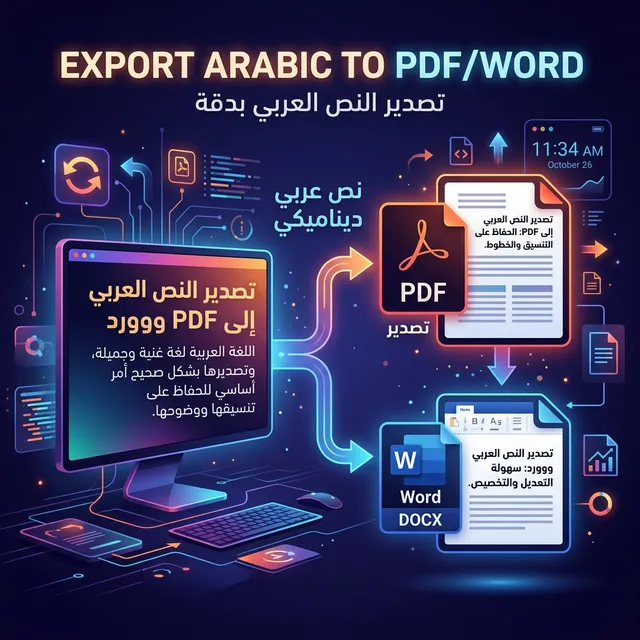
Export Arabic Text
Advertisement

3. Export as Image (PNG)

Want to post Arabic text on Instagram, Facebook, or a website where Arabic fonts aren't supported?

  1. Click the purple PNG button.
  2. The tool instantly converts your text into a beautiful image with a transparent background.
  3. Share the image anywhere.

4. Export to Plain Text (TXT)

If you just want a simple text file for coding, notes, or raw string data, click the TXT button. This saves a standard UTF-8 text file.

Start Typing and Exporting!

Professional tools for perfect Arabic script.

⌨ Open Arabic Keyboard

⌨ Ready to Practice What You Learned?

Use our free Arabic tools — no login, no download, works on any device.

⌨ Arabic Keyboard 📊 Text Counter 📄 PDF Export 🔤 Font Generator
← Back to All Blog Articles

Frequently Asked Questions

Yes, our Arabic Typing Export Pdf Word tool is completely free. You can use it as many times as you need without any restrictions or subscriptions.

Absolutely. Your data privacy is our priority. All processing happens locally in your browser, meaning your text never leaves your device.

Yes, the tool is fully responsive and optimized for all mobile browsers, including Chrome on Android and Safari on iOS.